Dispatch Board
Schedule trucks, drivers, subcontractors, and fleet partners from one operational dispatch grid.
BUILT FROM REAL HAULING EXPERIENCE
Dispatch, Ticketing & Invoicing for Aggregate and Bulk Haulers
HaulGrid is trucking management software built for dump truck, aggregate, construction material and bulk hauling companies. Dispatch company trucks and subcontractor haulers, capture scale tickets, and prepare invoices from reviewed work in one connected system.
One connected workflow
From the first dispatch decision to the final billing step, HaulGrid keeps your operation connected and your records accurate.
Schedule trucks, drivers, subcontractors, and fleet partners from one operational dispatch grid.
Drivers submit ticket photos from the mobile app so the office can review loads faster.
Review ticket details, catch missing or mismatched information, and approve loads before billing.
Generate customer invoices from approved tickets with ticket images and supporting details.
Track settlement-ready loads for drivers, subcontractors, and fleet partners.
Connect operational tools like Samsara and QuickBooks Online where needed.
HaulGrid was shaped by years inside hauling operations — dispatching loads, hauling materials, turning in tickets, chasing paperwork, and understanding what happens between the truck, the office, and the customer.
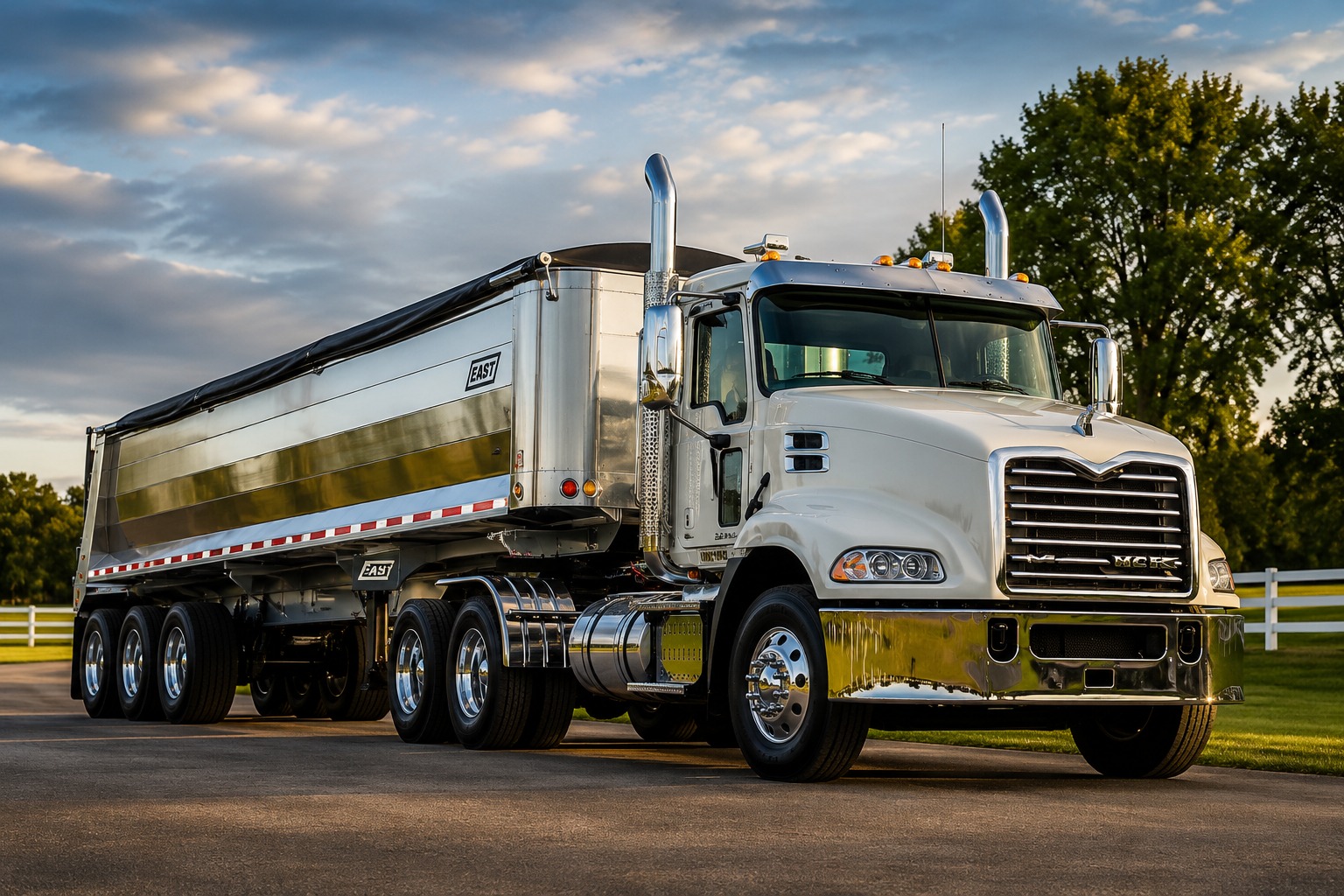
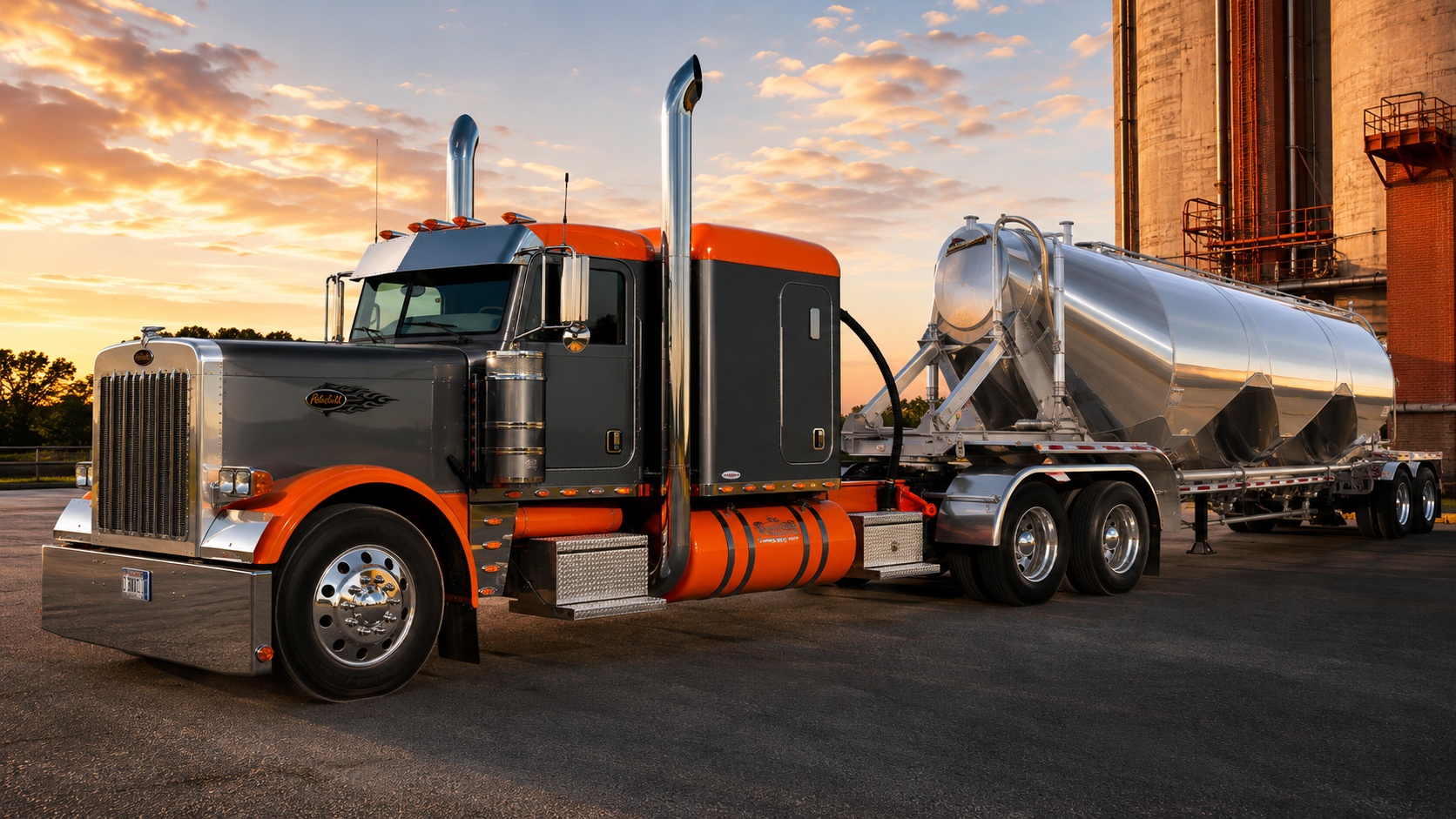
From aggregate and end dump work to bulk and pneumatic hauling, HaulGrid is built around the operational details that keep billing, settlements, and daily dispatch clean.
Read the HaulGrid storyAggregate & End Dump Hauling
Bulk & Pneumatic Hauling
Onboarding
HaulGrid is built to make setup manageable. Start with guided import tools for your customers, jobs, trucks, drivers, sites, and materials — or work with our team for guided setup.
Whether you want to move fast on your own or have help getting the first workflows ready, HaulGrid gives your operation a clear path from setup to daily use.
Use step-by-step import tools for customers, jobs, sites, materials, trucks, drivers, and other starting data.
Prefer help? HaulGrid can guide setup, review imports, and help your team get ready for dispatch, tickets, billing, and settlements.
Begin with the workflows your team needs first, then add more tools as your operation gets comfortable.
Pricing
HaulGrid is built for hauling companies where volume changes with weather, season, job schedules, and customer demand. Our pricing is designed to pair a predictable monthly platform fee with ticket-based usage, so your cost stays connected to the work your team is actually processing.
Busy months and slow months are part of hauling. HaulGrid pricing is designed with real volume swings in mind.
Use the core platform for dispatch, drivers, tickets, invoicing, and settlements, then scale with the ticket volume your operation actually processes.
We work with you to match HaulGrid to the workflows your company needs today, with room to grow as your operation adds more of the platform.
Load record flow
HaulGrid keeps the load record moving from the first dispatch decision to the final billing and settlement step.
01
Order Created
02
Truck Assigned
03
Driver Submits Ticket
04
Office Audits Ticket
05
Invoice Sent
06
Settlement Prepared
Your HaulGrid assistant
When you're stuck and need some quick direction, just ask Gridley.
HaulGrid's built-in assistant helps you find your way around the platform and understand how features work, without leaving the page you're working on.
You stay in control of the work. Gridley offers guidance, not automatic changes to your records.
Ask a question. Find your next step. Keep hauling.
See HaulGrid in a demo
Built for hauling
HaulGrid is built for on-road hauling operations that move material by the load. Whether it is sand, gravel, crushed stone, base, asphalt, dirt, or construction materials - if it goes on a ticket, HaulGrid helps track it from dispatch to billing.
Built around the ticket-heavy workflows used by dump truck, end dump, belly dump, side dump, aggregate, and pneumatic bulk hauling operations.
Manage subcontractors and fleet partners alongside your own drivers from one dispatch board.
Sand, gravel, crushed stone, base, asphalt, dirt, cement, fly ash, powder, and other bulk construction materials.
Dispatchers, auditors, drivers, and owners each have a view built for their part of the job.
A specialized transportation management system (TMS) should fit the way your loads become tickets, invoices and settlements. Explore the handoffs that matter in aggregate and bulk hauling.
Operational value
Keep the day moving without leaving billing teams to chase paper, guess at ticket details, or rebuild load history after the fact.
Drivers submit ticket photos directly from their phones. Tickets can reach the office digitally without waiting for drivers to bring paperwork back at the end of the day.
Tickets are reviewed and approved before billing, with automation available for qualifying tickets. Catch missing info, quantity mismatches, or incorrect job assignments before they become disputes.
Orders, assignments, tickets, and invoices are tied together in one system - from the first load to the final settlement.
Integrations
HaulGrid connects with the tools your team already relies on, so you are not starting from scratch.
HaulGrid
Command Center
Orders, trucks, drivers
Mobile capture, audit, approval
Invoices, settlements, QuickBooks
Role-based workflows
Each part of the operation gets the view and workflow it needs, while the load record stays connected across the whole company.
Manage the full dispatch board - assign trucks, set loads, coordinate subcontractors, and track progress through the day.
Review submitted tickets, verify load details, and approve or flag tickets before they move into billing.
See the day's job assignments on a mobile-friendly view and submit ticket photos directly from the job site.
Keep dispatch, tickets, billing, and settlements connected without chasing paper across the operation.
FAQ
Straight answers for hauling companies, drivers, office teams, and integration reviewers.
HaulGrid is a dispatch, ticket capture, auditing, invoicing, settlement, and driver workflow platform built for aggregate, dump truck, construction material, and bulk hauling operations.
HaulGrid is built for aggregate haulers, dump truck companies, bulk material haulers, dispatchers, auditors, drivers, owners, subcontractors, and fleet partners.
Yes. Drivers can submit ticket photos from the mobile app so office teams can review ticket details, audit loads, and prepare invoices faster.
Yes. HaulGrid includes guided import tools for common setup data like customers, jobs, sites, materials, trucks, and drivers. Customers can complete setup on their own or work with HaulGrid staff for guided onboarding when they want help.
HaulGrid pricing is based on the workflows your company needs and the volume of tickets your operation processes. The model is designed to give haulers a predictable platform cost while allowing usage to follow real hauling activity.
Yes. HaulGrid supports QuickBooks Online invoice sync for approved invoices.
Yes. HaulGrid supports Samsara integration for fleet visibility where configured.
HaulGrid helps reduce paper handling by letting drivers submit ticket photos from the field and giving office teams tools to review, approve, and attach ticket images to invoices.
See how HaulGrid can help your team move from dispatch to billing with fewer manual steps.