Dispatch
What Is Dump Truck Dispatch Software?
A practical guide to planning loads, assigning company and subcontractor trucks, and keeping the dispatch plan connected to ticket evidence.
By HaulGrid · Published
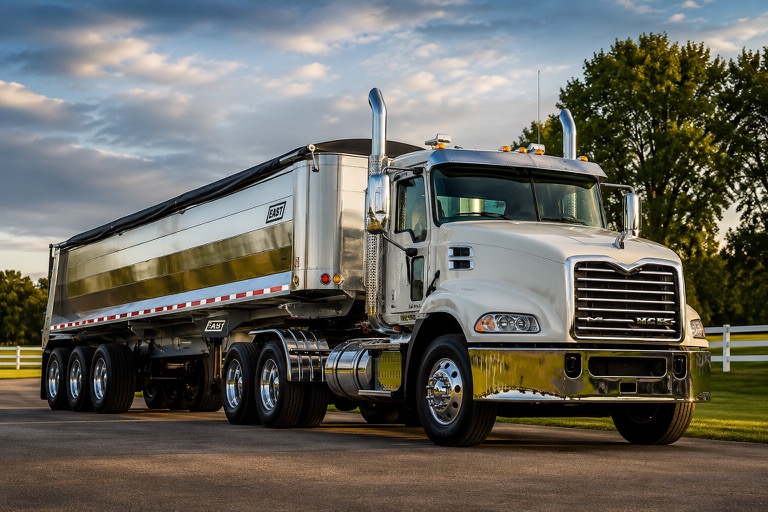
A plan for loads, not just a list of trucks
Dump truck dispatch software organizes hauling demand into work that a specific truck and driver can carry out. It connects the customer, job, material, pickup, destination, work date and planned loads. The useful distinction is not paper versus a screen. It is whether everyone is working from the same plan when the day changes.
A spreadsheet can show which trucks are available. A connected dispatch workflow also shows what those trucks are assigned to do and lets the office follow the load into ticket review. That matters when a truck makes several trips, an outside hauler joins the work, or a customer changes the requested number of loads halfway through the day.
Start with an order the driver can actually follow
Before assigning equipment, resolve the details that would otherwise become phone calls. A customer name alone is not enough if that customer has several jobs. A destination nickname may not distinguish two entrances. Material and unit of measure matter both at loading time and later when the office checks the scale ticket.
In HaulGrid, an Order holds the scheduled demand and operating context. Dispatch assigns trucks and drivers against that work. Company and Fleet Partner capacity can be planned separately while remaining part of the same order. Changes still respect work that is already assigned or committed; editing the plan is not permission to erase completed loads.
- Confirm the job, material and pickup/drop-off context.
- Set the work date, load demand and intended start time.
- Check which company and outside trucks will cover the work.
- Give dispatchers a clear way to see remaining demand.
Keep the dispatcher in charge of changes
The value of a dispatch board becomes clearest when the original plan no longer fits. A dispatcher needs to see what can move, what is already underway and what is protected because a ticket or financial record exists. A drag on a screen should not quietly undo evidence of work.
HaulGrid supports assignment status and linked ticket inspection. It also supports preparing future dispatch privately and releasing a future date to drivers when future-date viewing is enabled. This is a human planning workflow, not a promise of autonomous route optimization or guaranteed delivery of every notification.
An assignment and a billable ticket are different things
An assignment describes intended work. A ticket records evidence of a load. Neither a truck appearing on the board nor an assignment being completed should force the office to invent a ticket quantity. Keep those stages connected without treating them as interchangeable.
The driver can submit ticket evidence against assigned work, and the office can review the resulting record before eligible billing. If the ticket is incomplete, the problem should stay visible rather than being hidden by a tidy dispatch count. This connection is what makes dump truck dispatch software useful beyond the morning planning session.
What to ask in a dispatch demonstration
Bring a realistic day: one customer with two jobs, a company truck, an outside hauler and a change after the first load. Ask to follow the order, assignments and ticket evidence together. Then ask what an outside user can see. A useful demonstration should explain both the daily workflow and the boundaries around other fleets or customers.
HaulGrid is a specialized transportation management system for aggregate and bulk hauling. Its dispatch workflow is designed to stay connected to ticket review, invoicing and settlements. Evaluate that complete handoff rather than choosing solely on how many trucks fit on the first screen.