Fleet coordination
Company Trucks and Subcontractor Haulers: One Dispatch Plan
Keep ownership, dispatch capacity, ticket evidence and settlement responsibilities clear when company trucks and outside haulers share the work.
By HaulGrid · Published
Share the work plan without erasing ownership
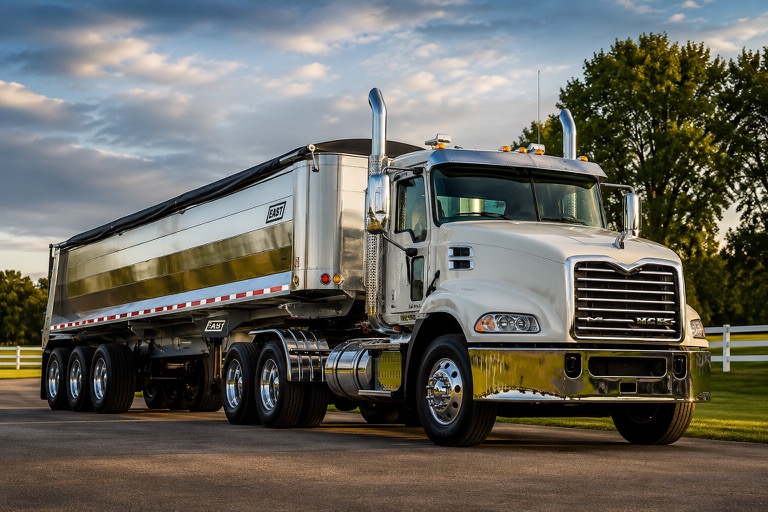
Company trucks and subcontractor haulers can work the same customer job while having different owners, access rights and settlement responsibilities. Managing both in one dispatch plan does not mean treating them as interchangeable records. The dispatcher needs the combined capacity; the office still needs to know who performed each load.
A useful operating record carries both facts: what the customer requested and which fleet supplied the truck. If ownership is lost at assignment time, it has to be reconstructed when tickets or settlement questions arrive. Keeping it visible early avoids making the billing office guess from a truck nickname.
Plan capacity before assigning individual trucks
Start with total demand, then decide how company equipment and outside fleets will cover it. As trucks are assigned, remaining capacity should reflect commitments already made. Adding outside capacity should not accidentally remove company work that is underway, and reducing an allocation should not erase completed work.
HaulGrid Orders and Dispatch support Company and Fleet Partner allocations under committed-load protections. Dispatchers can adjust eligible unused capacity while existing assignments and financial restrictions remain authoritative. It is one operational plan with clear limits, rather than two disconnected lists that the office has to reconcile later.
Match access to responsibility
An outside fleet may need to see its work without seeing every customer or truck in the tenant. A driver needs assigned work and the submission workflow, not unrestricted office access. A shared dispatch system is most useful when it preserves these differences instead of solving coordination by exposing everything.
HaulGrid distinguishes tenant-wide office permissions from scoped Fleet Partner access. Subcontractor business records and Fleet Partner access relationships serve different purposes. Do not assume that creating an outside hauler record grants its drivers or office users access to your tenant; access remains a separate authorized workflow.
Collect the same evidence, then reconcile the right obligation
The office needs usable ticket evidence regardless of who owns the truck. Review the ticket number, date, material, quantity and applicable job context. Then use the approved work in the appropriate invoicing and settlement workflows. A customer invoice and a subcontractor settlement answer different questions.
HaulGrid supports settlement-ready work for drivers, subcontractors and Fleet Partners. That connection does not make every submitted ticket payable or every settlement identical to customer billing. Keep the agreement, eligibility and review steps visible so a disputed quantity or charge is resolved before money is committed.
- Identify the truck and the fleet that performed the work.
- Resolve missing or duplicate ticket evidence.
- Review customer billing separately from hauler pay.
- Preserve already committed financial records when an operational detail changes.
Test the mixed-fleet handoff in a demonstration
Choose one representative order and divide the planned work between company trucks and a subcontracted fleet. Ask what the dispatcher sees, what the outside user sees and what the driver receives. After a ticket is submitted, follow it into office review and the relevant financial workflow.
Also test a change after work has been assigned. The important result is not that every edit is permitted. It is that the system allows legitimate planning changes without losing ownership, exposing another fleet or rewriting committed loads. Those boundaries make a combined workflow trustworthy during a busy hauling day.